
Free Video Teleprompter
Claude Artifact / Use this app to help improve your videos
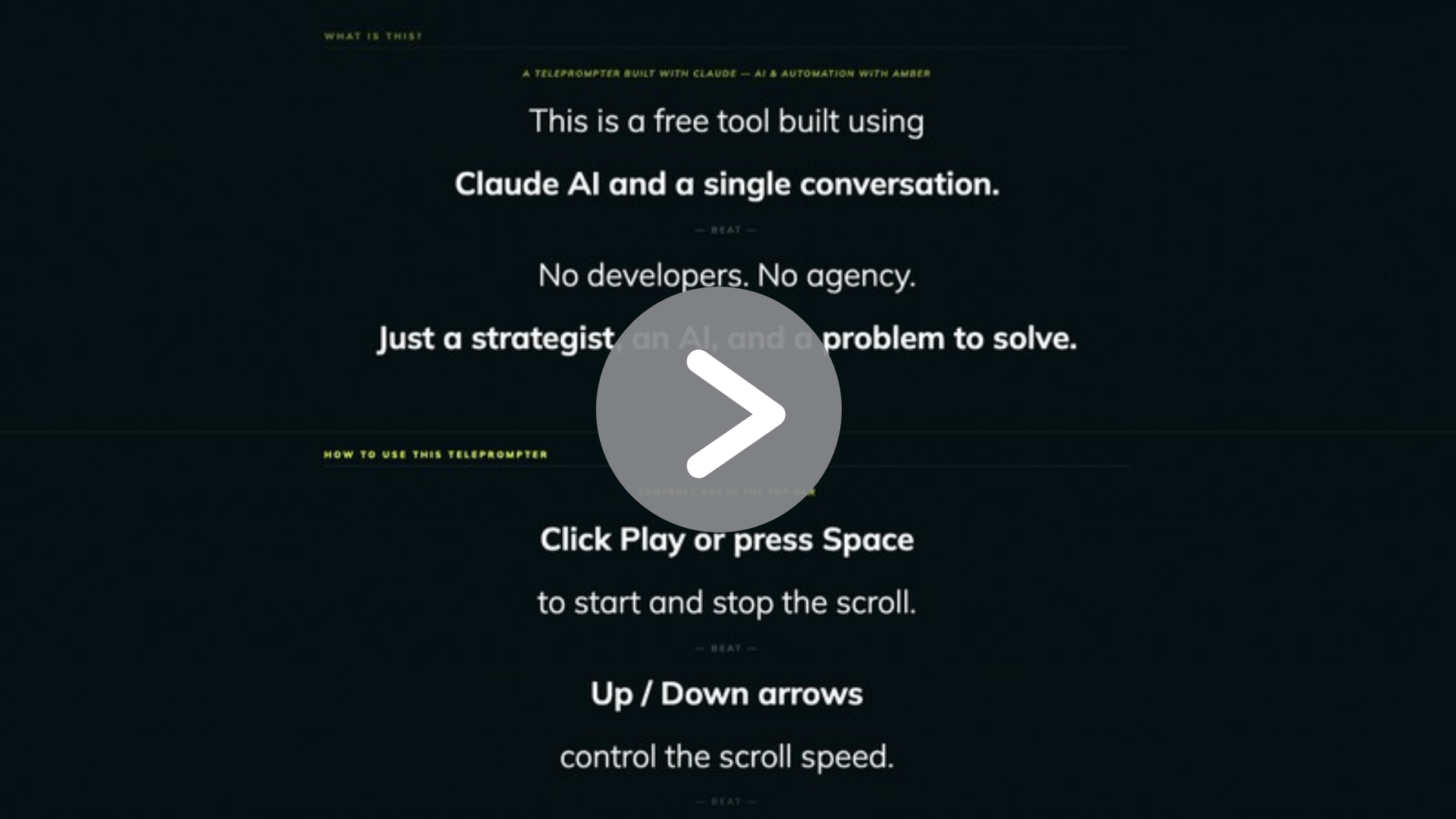
This teleprompter was vibecoded in less than 10 minutes using Claude. No developers, no agency, just a conversation.
If you do a lot of video content, presentations, or pitches, you can use the tool below as-is, or grab your own copy to customise with your own script, branding, and countdown time.
It runs as a single HTML file in any browser, works offline, and takes about 30 seconds to set up.
See The Teleprompter In Action Below
Vibe coding / when is it useful?
Why I stopped buying tools and started building them
There is a category of software I used to just accept I had to pay for. Small, single-purpose tools. A teleprompter app. A timer. A script formatter. Nothing complicated, but nothing free either — or if it was free, it came with ads, paywalls, or features I did not need cluttering up something that should be simple.
Then I started building them with Claude instead.
This teleprompter took one conversation. I described what I needed — a full-screen scrolling teleprompter with keyboard controls, a countdown timer, and my branding — and Claude built it. We iterated on it together. I asked for changes, it made them. By the end I had a custom tool that works exactly the way I want, looks like my brand, and lives on my website for free.
This is what Claude artifacts and vibe-coded mini apps are genuinely great for. Not replacing complex software. Not building enterprise systems. Replacing the small stuff — the $9/month app you barely use, the browser extension that almost does what you need, the tool you have been tolerating because building something better felt out of reach.
It is not out of reach anymore.
What makes this approach work
Claude can build a fully functional single-file HTML app in minutes. No framework, no deployment pipeline, no dependencies. One file that opens in any browser and does exactly one thing well. For tools like this — a teleprompter, a timer, a checklist, a calculator, a form — that is all you need.
The key is being specific about what you want. The more context you give Claude about the purpose, the user experience, and the constraints, the better the output.
Build your own — use this prompt
Copy this prompt into Claude and customise it for your tool. Adjust the colours, font, features, and branding to suit your use case. Claude will ask clarifying questions if it needs more detail, or you can iterate on the output until it is exactly what you need.
I want to build a single-file HTML teleprompter app. It should:
— Have a full-screen dark background layout with a fixed navigation bar
— Scroll text automatically from bottom to top at a controllable speed
— Support keyboard shortcuts: spacebar to play/pause, R to reset, arrow keys to adjust speed and text size
— Include a timer that can run as elapsed time or a countdown from a set duration
— Include a script editor so the user can paste in their own text using simple markup
— Use this colour scheme: background #021012, accent #e6ff2b, text white, font Mulish — Include my logo [describe your logo or upload it] and a footer with my website link
— Work entirely offline with no external dependencies except Google Fonts
- Build it as a complete, self-contained HTML file I can download and host anywhere.